
Read this documentation if you have identified that a parent order was generated but no child order was created. Some inconsistencies may occur in the payment method, causing child orders not to be created. In this documentation, you will learn how to recreate a child order and how to request a review from the payment method to ensure that the order statuses in both the payment method and the Marketplace remain synchronized.
First, access the parent order so we can recreate the child order.
Check the buttons in the upper corner. There will be a gray button called ‘Recreate Sub-order.’ Click this button and wait for the message confirming that the order has been recreated.

Access the order grid again and search for the order ID. Now, check if you have both the parent order and the child order.
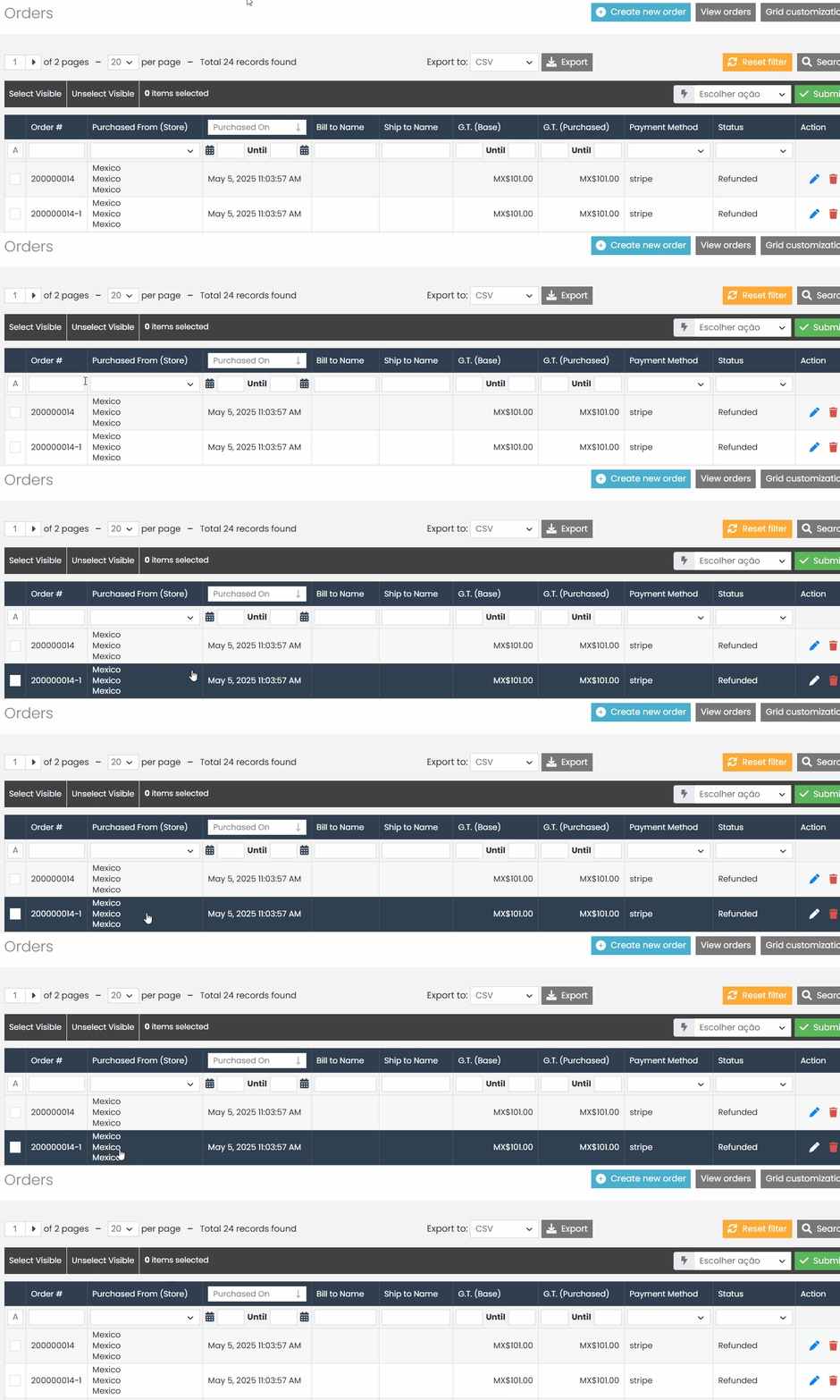
And that’s it! With this documentation, you will be able to recreate the order and synchronize the order status in the Marketplace with the order status in the payment method.
If you have any questions or difficulties, feel free to open a ticket in the support panel. We are always here to help!