
The additional delivery time for shipping methods is a feature that allows extra days to be added to a product’s delivery period. This can be useful if you need more time to organize the shipment or in situations where you need to order a product, requiring additional days to be added to the preparation and shipping time.
The first step to configuring additional days for product delivery is to access your administrator panel.
Next, navigate through the side menu and look for the “Catalog” tab. Click to access “Product.”
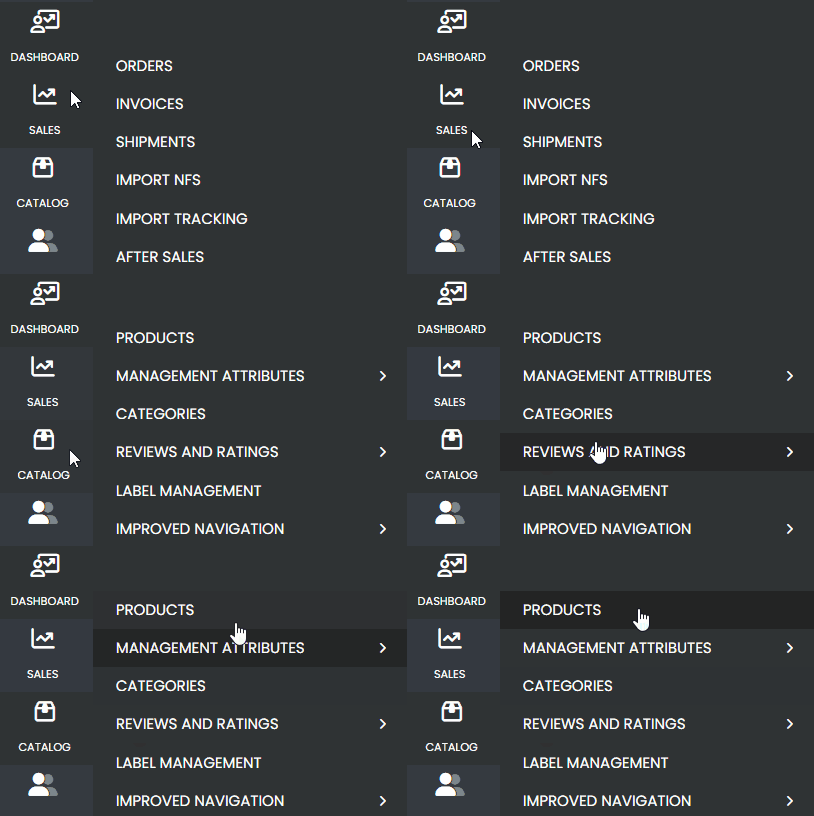
Search for the product to which you want to add extra days and access it.
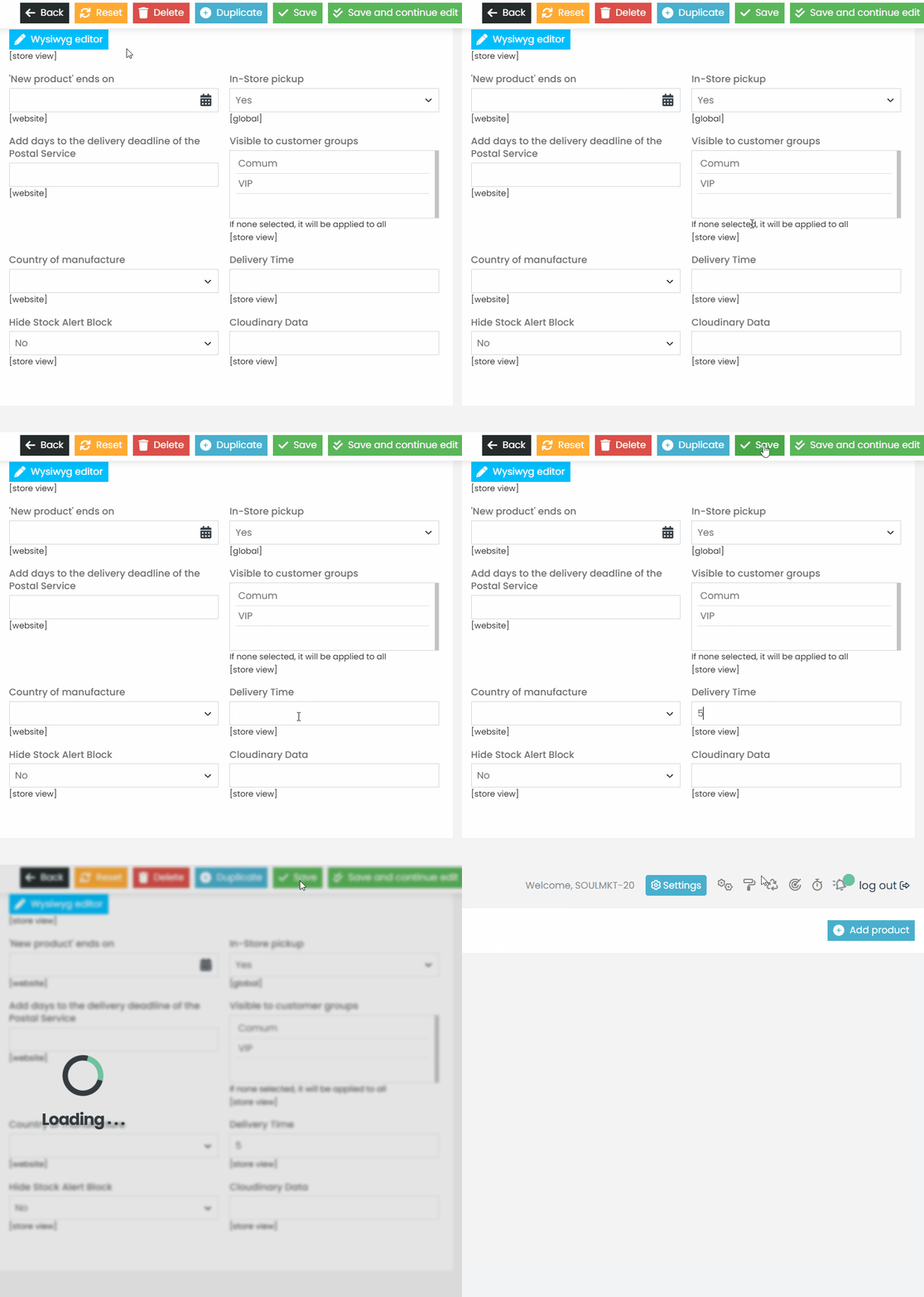
Wait for the page to load, and in the product information, go to the “Main” option. Look for the “Delivery Time” field and enter the desired value to add extra days to the delivery period.
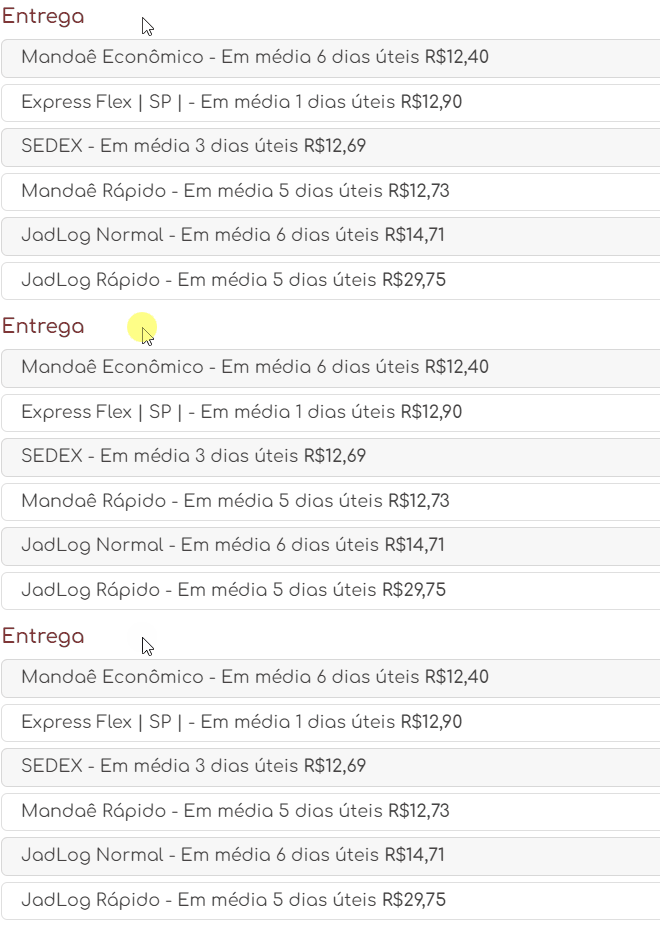
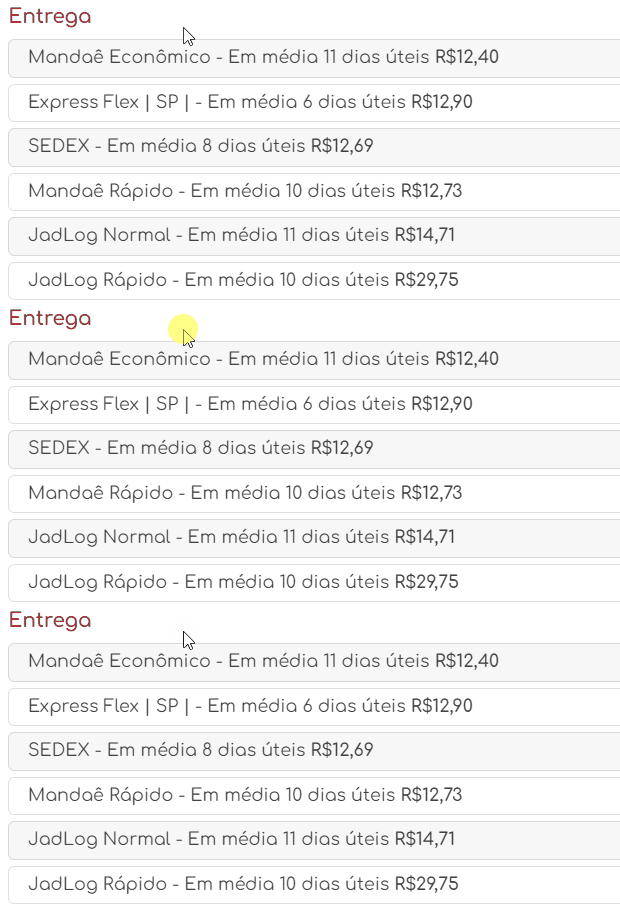
Access the product and run a shipping simulation using a ZIP code to verify if the additional days are being applied to the product.
If you have any questions, ask the Marketplace administrator to open a support ticket in our support panel so we can assist you!