
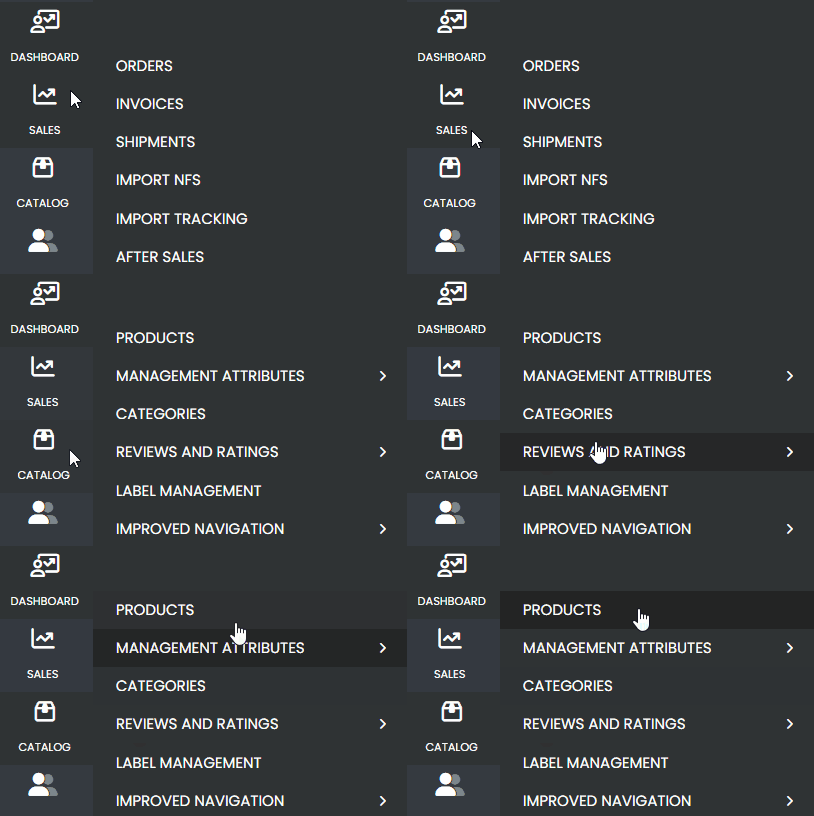
First, in the side menu, go to the Catalog tab and select Products.
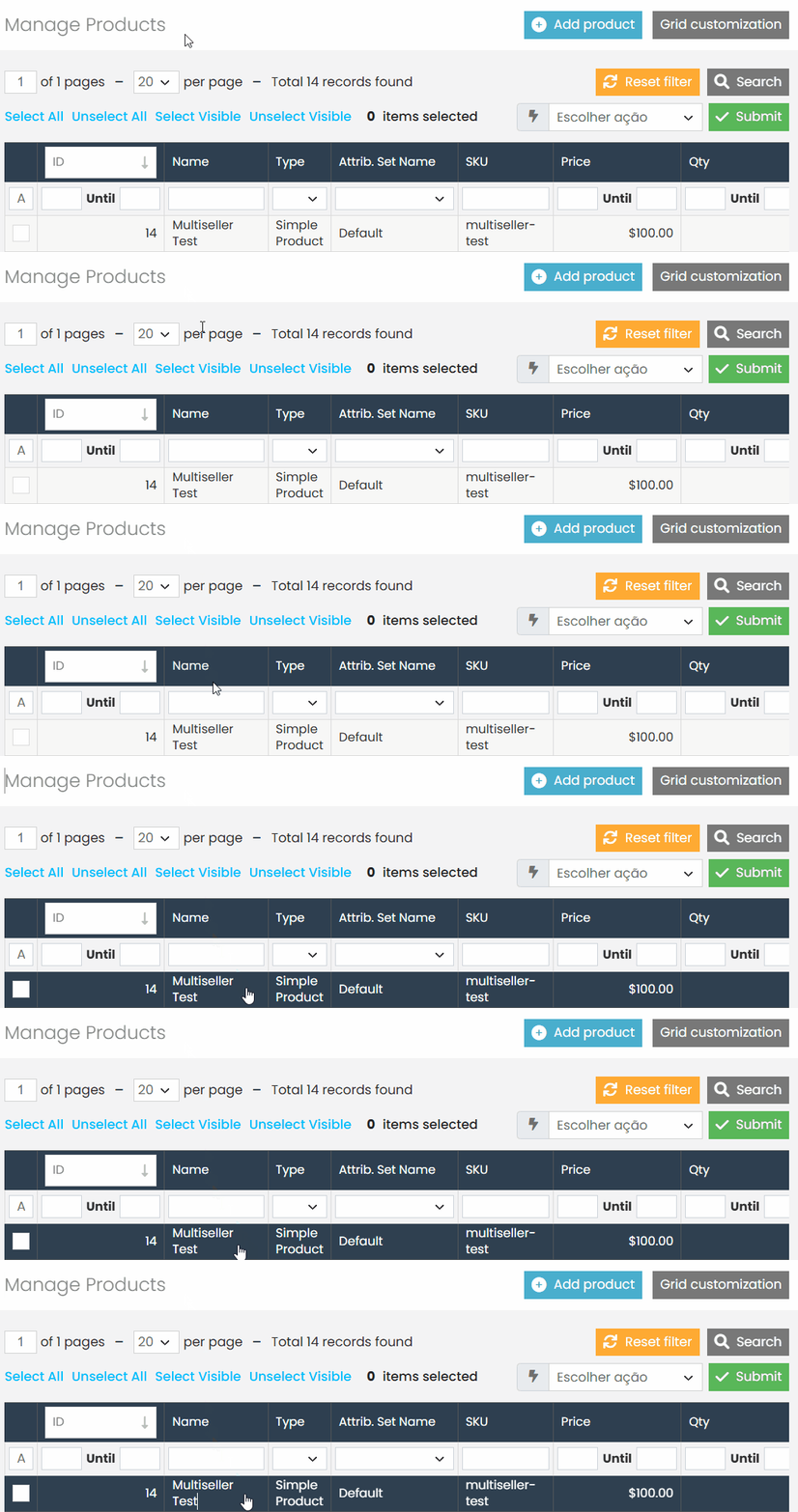
Search for the product you want to enable for the Multiseller model and click to open it.
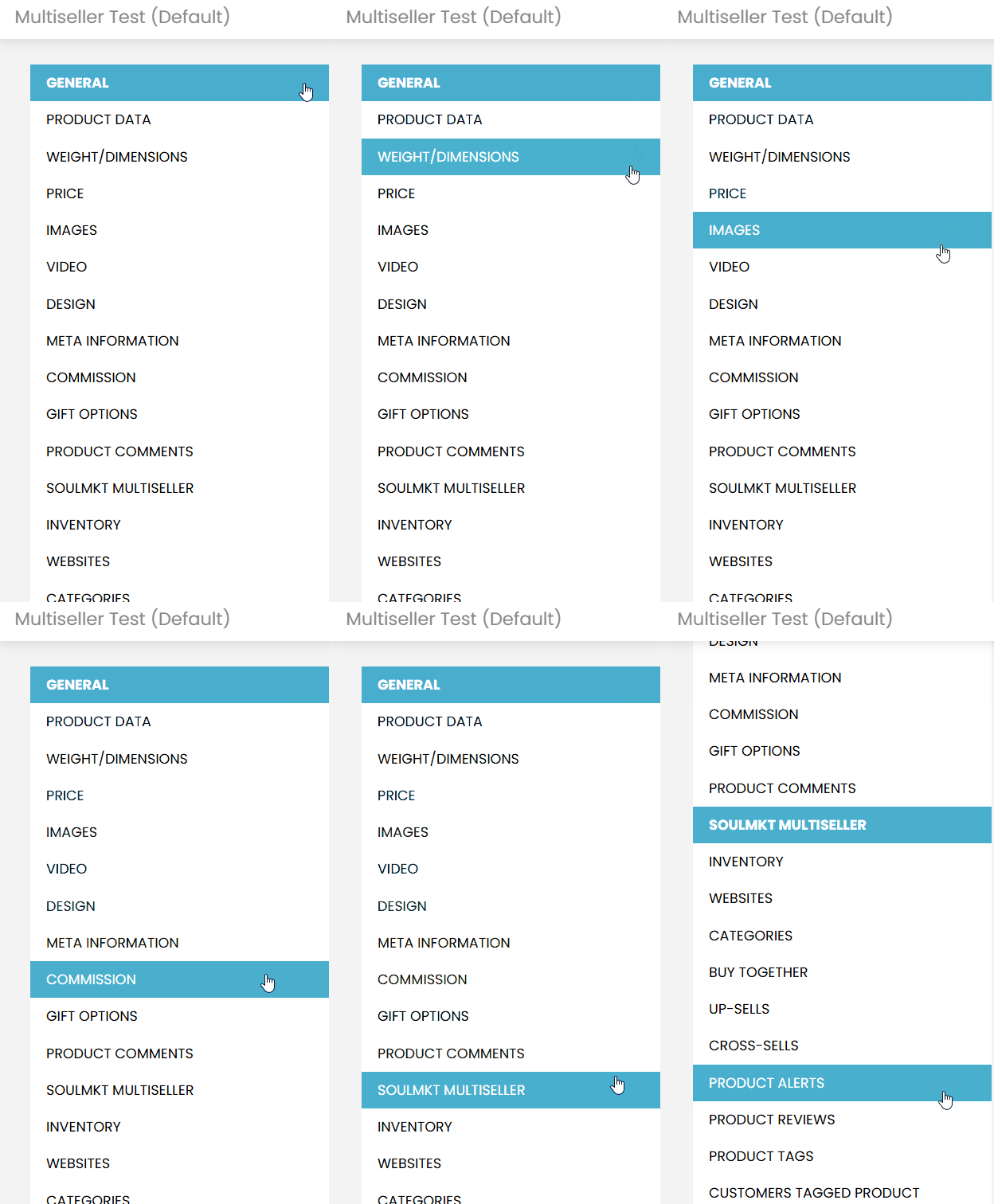
Next, in the new side menu, go to the Multiseller tab
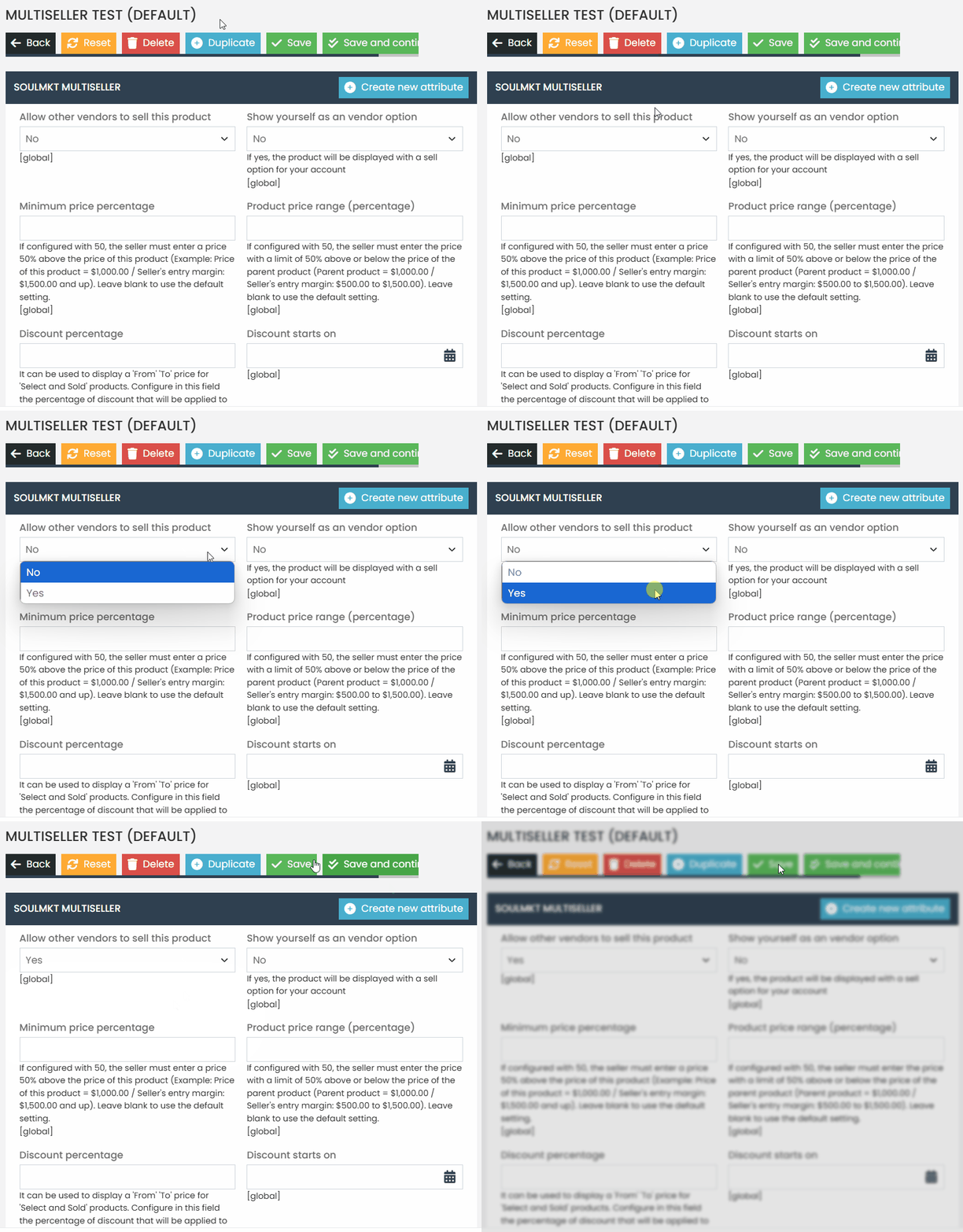
In the option “Allow other sellers to sell this product“, change the value to Yes. Then, click Save.
After completing this process, the product will be available on the website with an indication that it does not have any sellers yet.
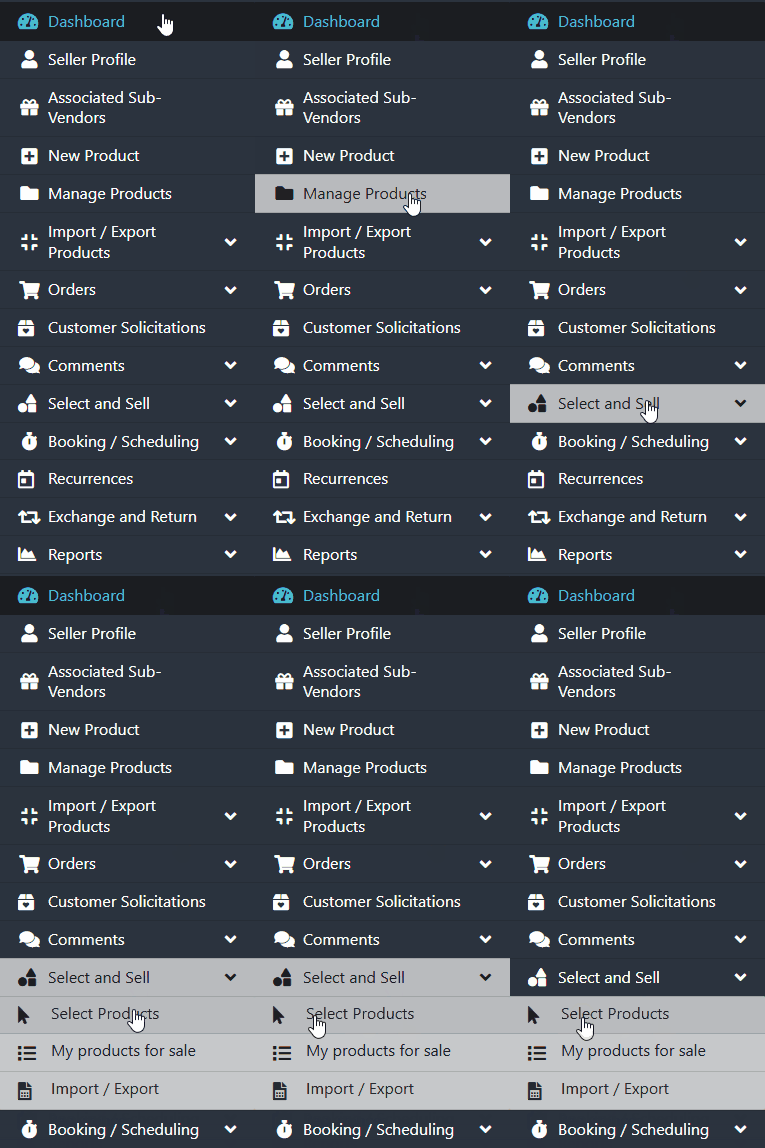
For sellers to associate this product with their stores, they need to access the “Select and Sell” tab and choose the desired product.
You can find more details about this procedure in our specific documentation, which explains how sellers can select products in the seller panel.
To validate if the product is available in the Multiseller model: #
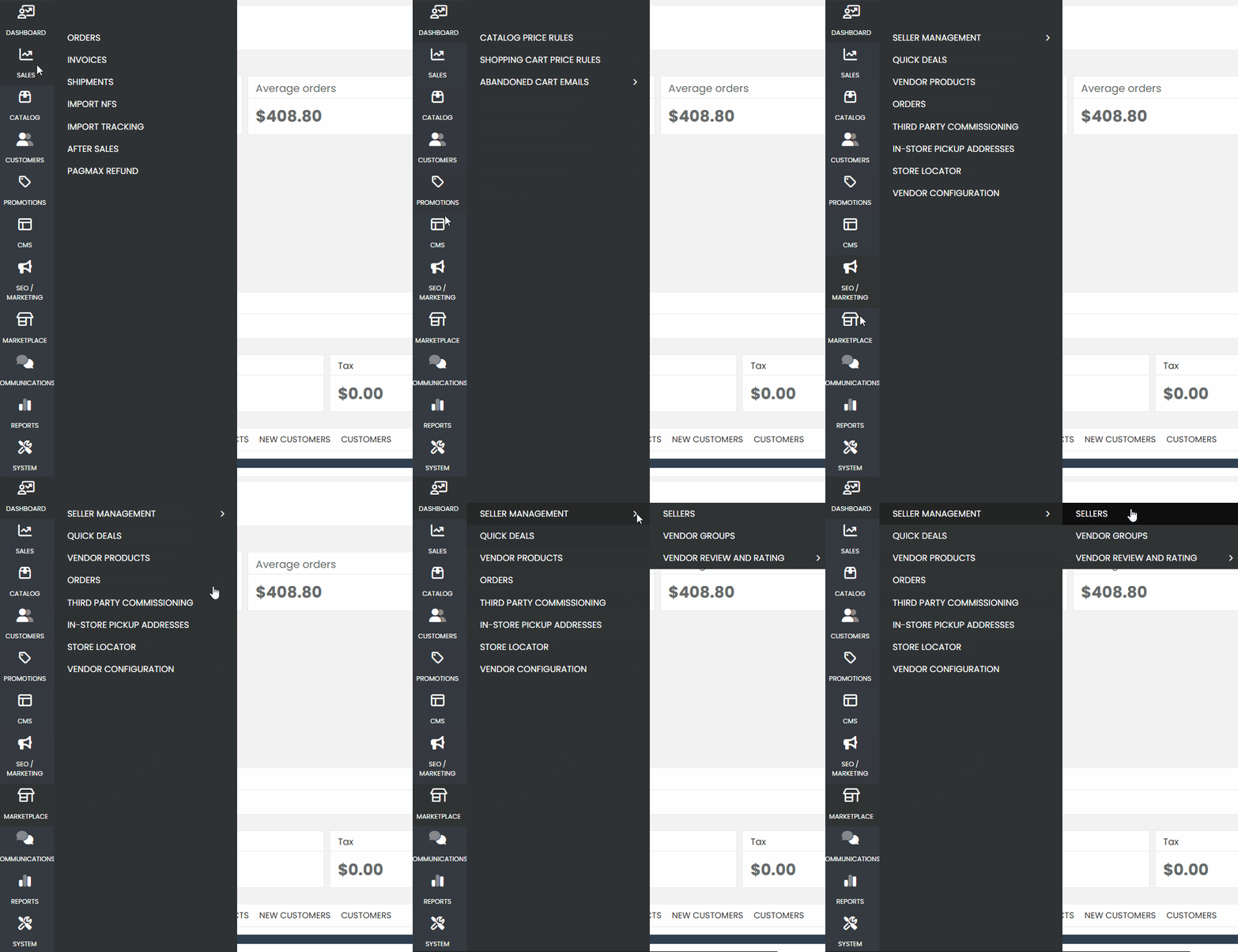
Go to the Marketplace option, then select Seller Management and Sellers.
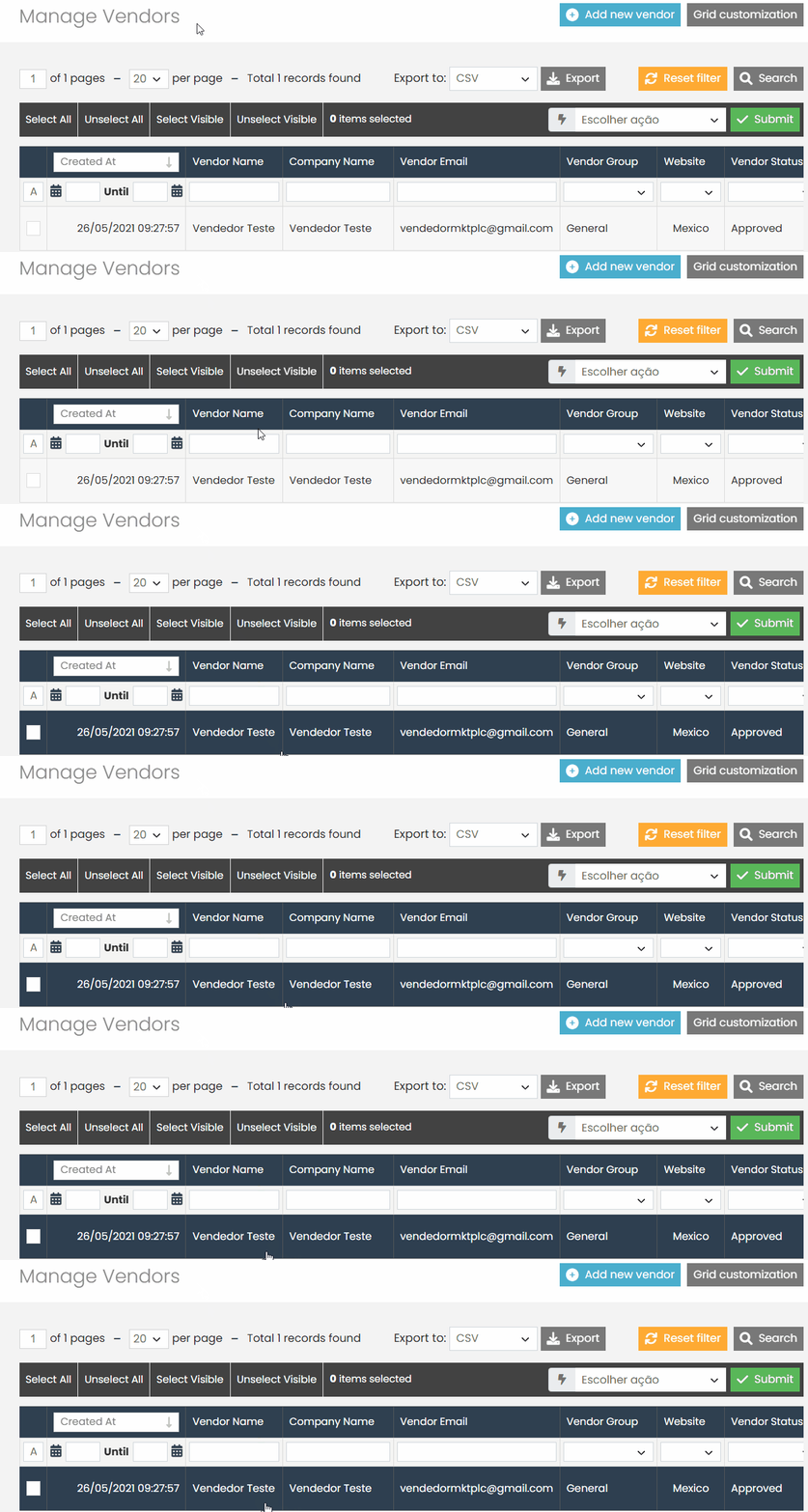
Select a seller and log in as the seller.
Navigate to the “Select and Sell” tab and check if the product you enabled is available for sale in the Multiseller model.
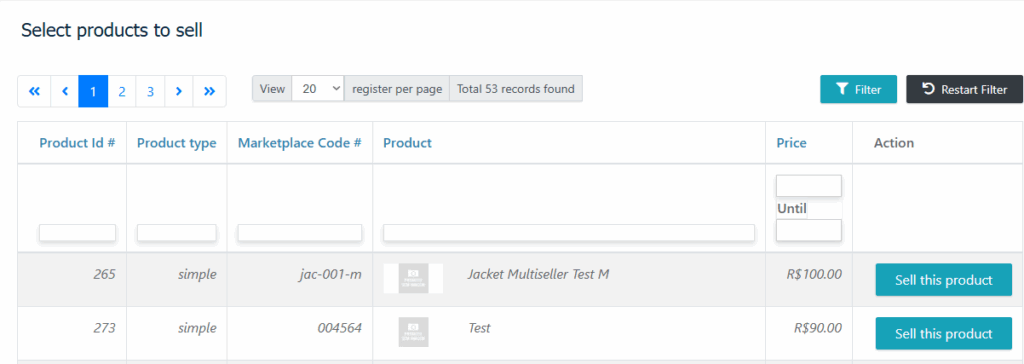
This way, you can ensure that the product is ready to be sold by other sellers on the platform.
If you have any difficulties or questions, don’t hesitate to contact our support team. We are always available to help!