
The documentation below will teach you how to change the name of a category.
To make this adjustment, first, access your admin panel and navigate to the side menu until you find the “Catalog” option. In the new submenu that appears, select the “Category” option.
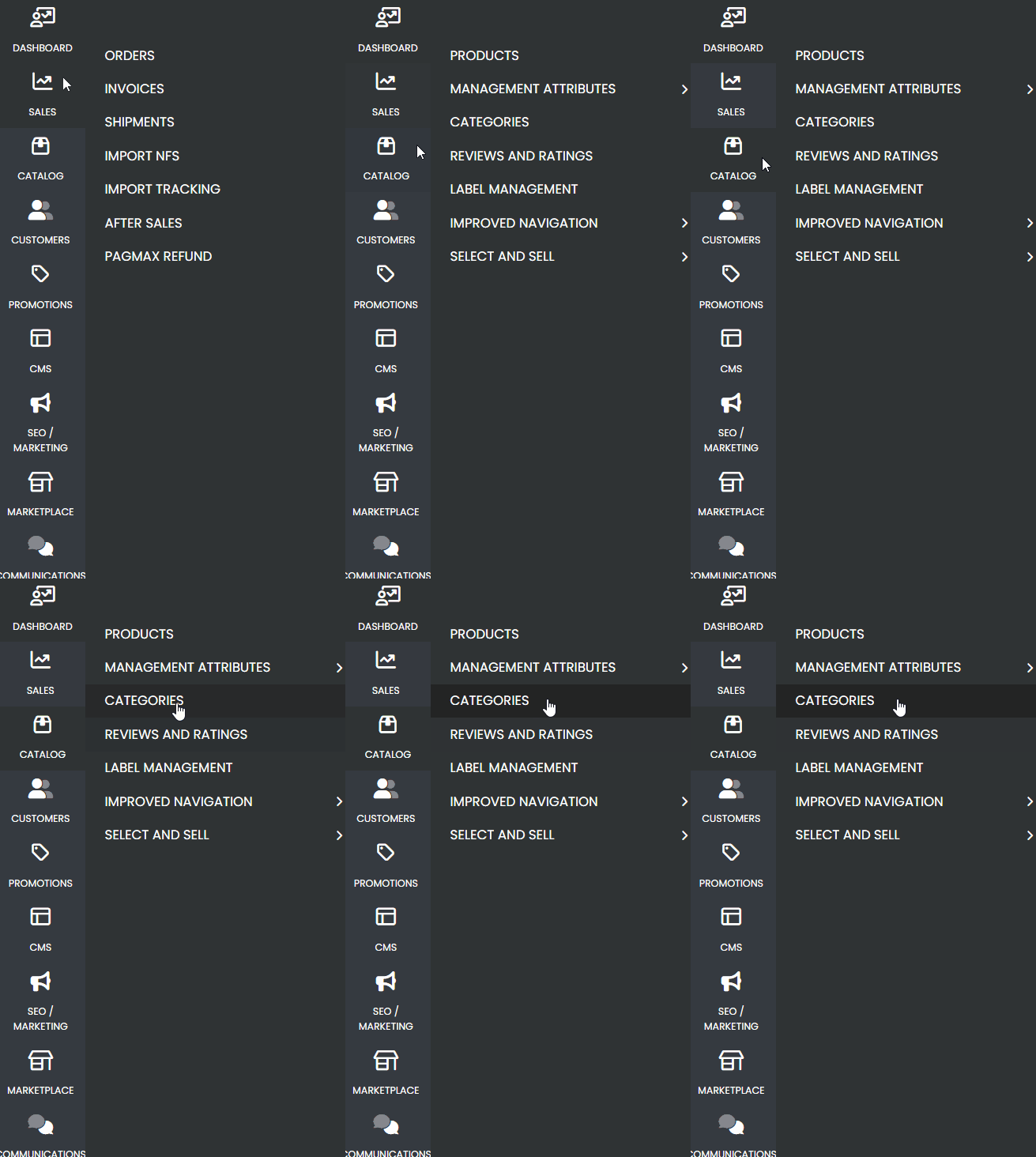
- On the new page that loads, select the category you want to rename from your category list.
- Next, in the category settings, under the first option called “General Information”, locate the “Name” field and change it to the new desired name.
- Don’t forget to save the page and check the website to ensure the information has been updated correctly.
If you have any difficulties changing the category name, feel free to contact our support team. We are here to help!