
If you are an administrator of a MultiSeller Marketplace and want to offer original-to-sale price discounts (commonly known as De-Por discounts) follow the guidelines below.
Applying Original-to-Sale Price Discount #
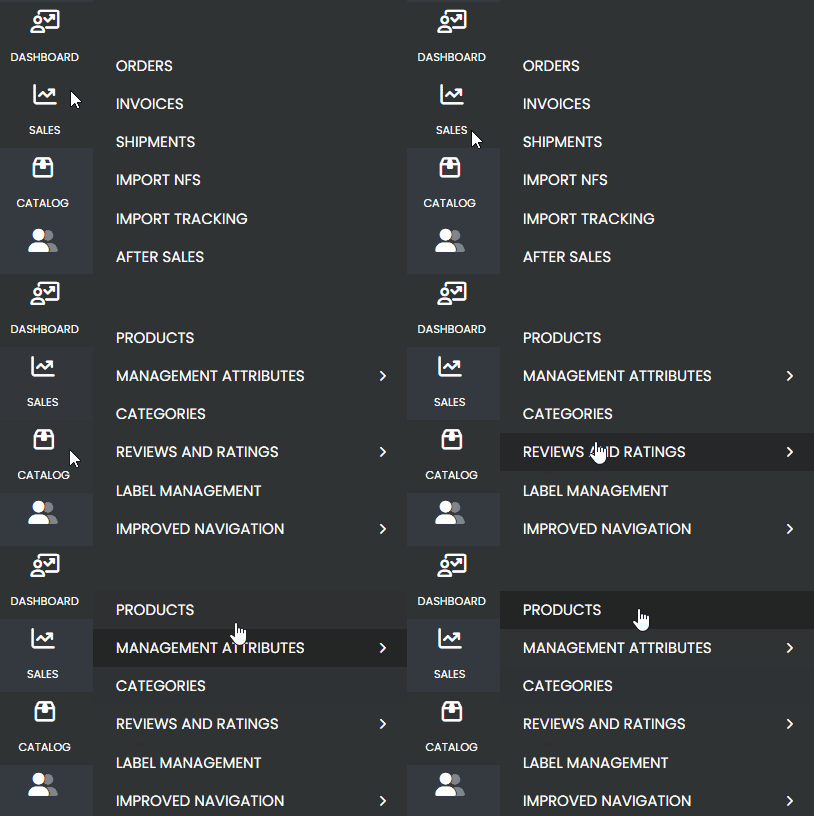
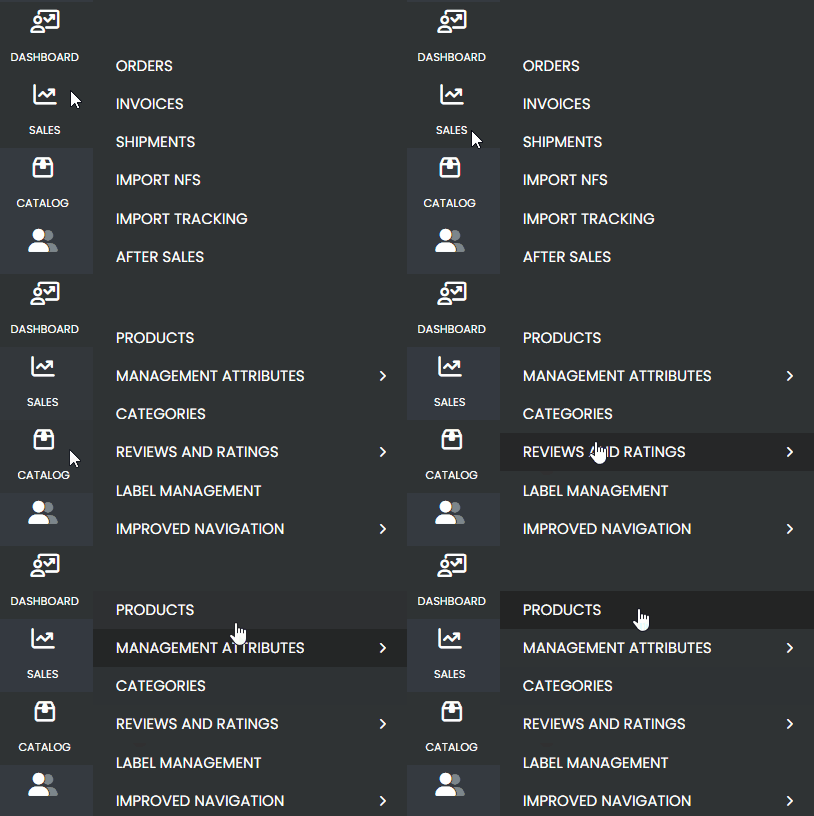
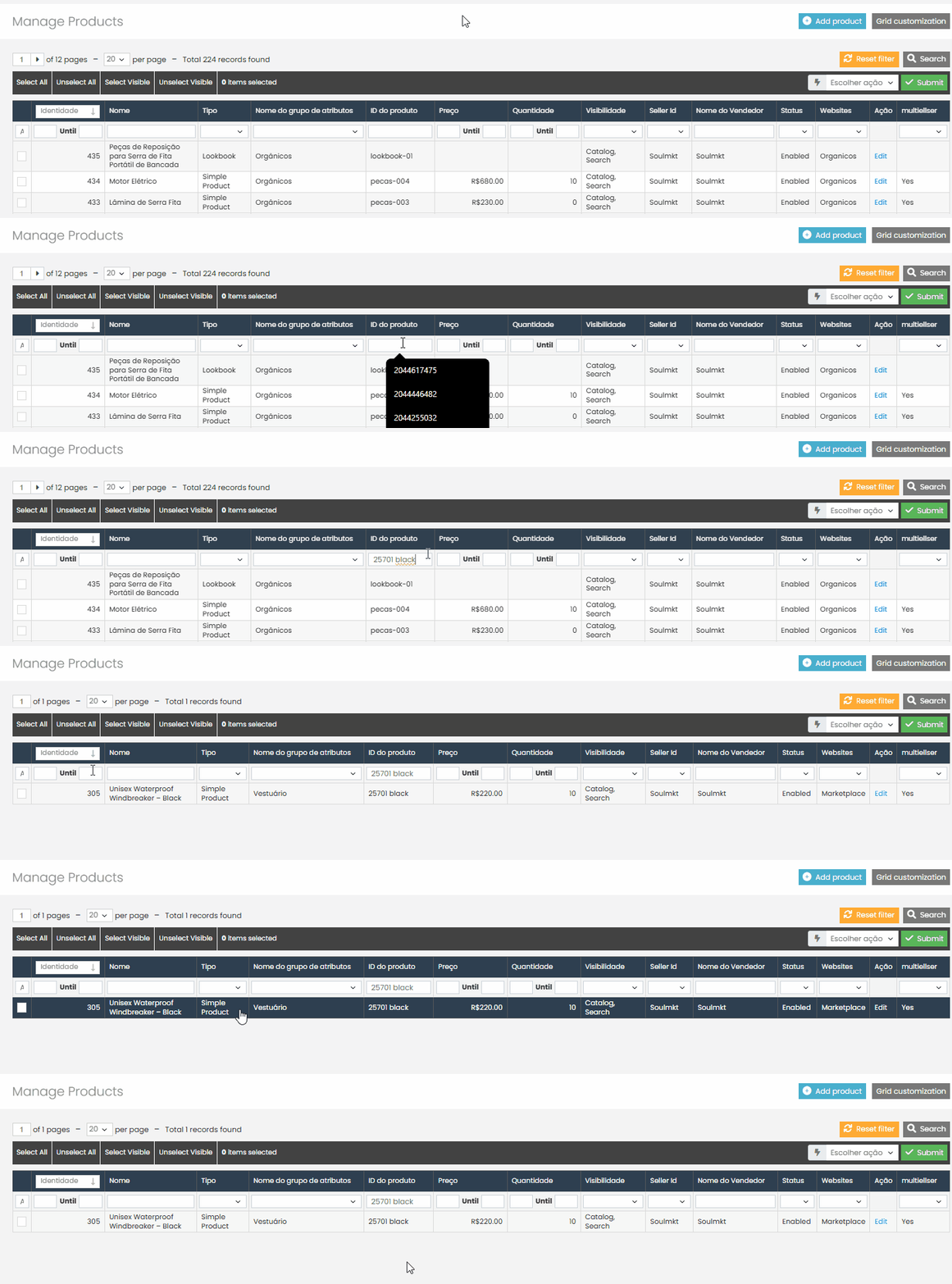
First, navigate through the side menu to the “Catalog” tab. When you select “Catalog”, a new submenu will appear. In this submenu, click on “Products”.
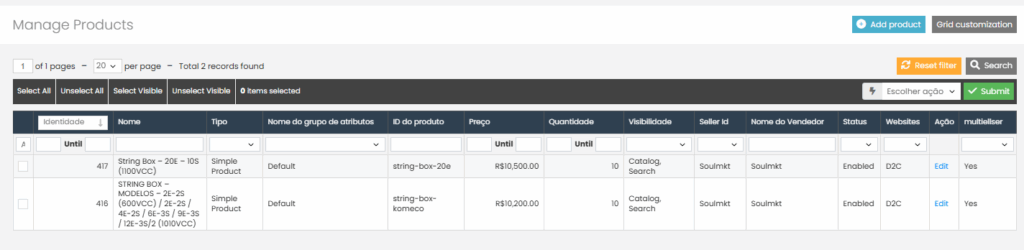
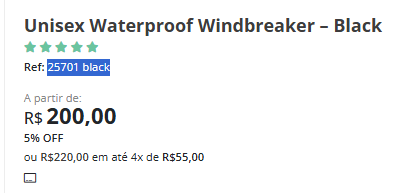
“Find the product you want. In this example, I am using the product ID.”
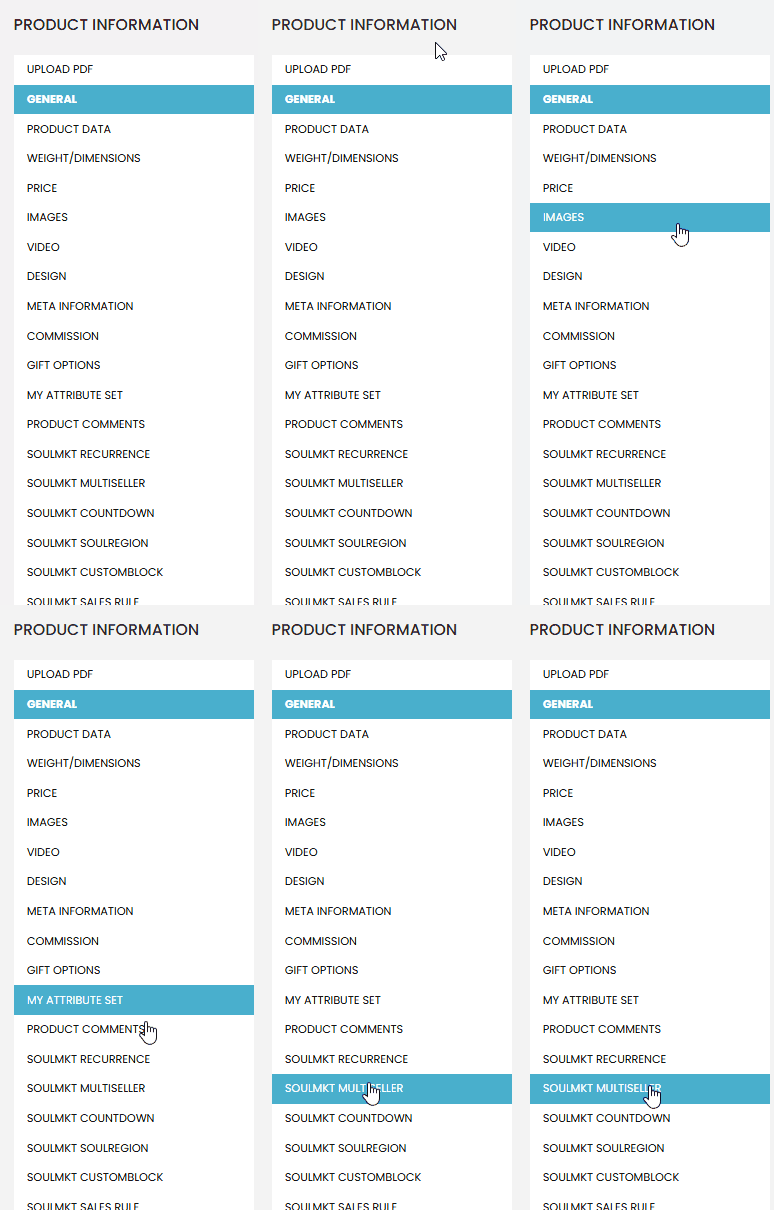
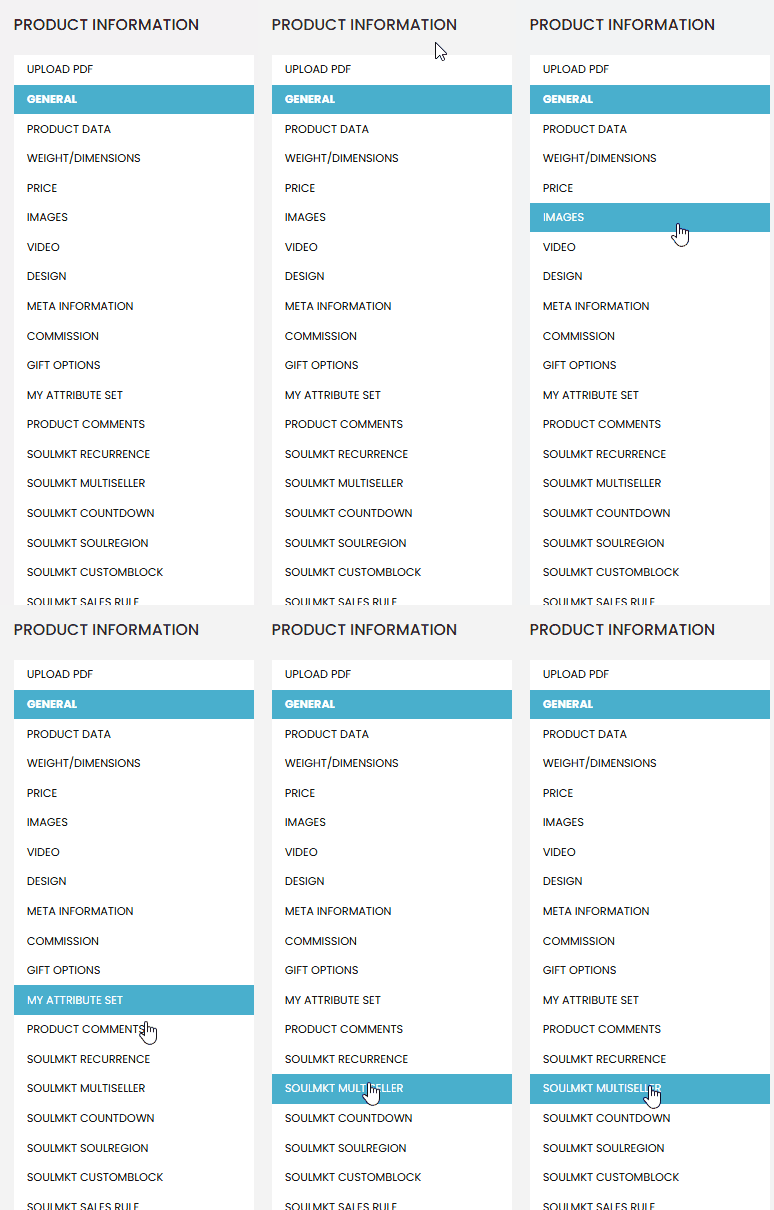
After the page loads, look for the “Multiseller” tab. Click on this tab to open a new page.
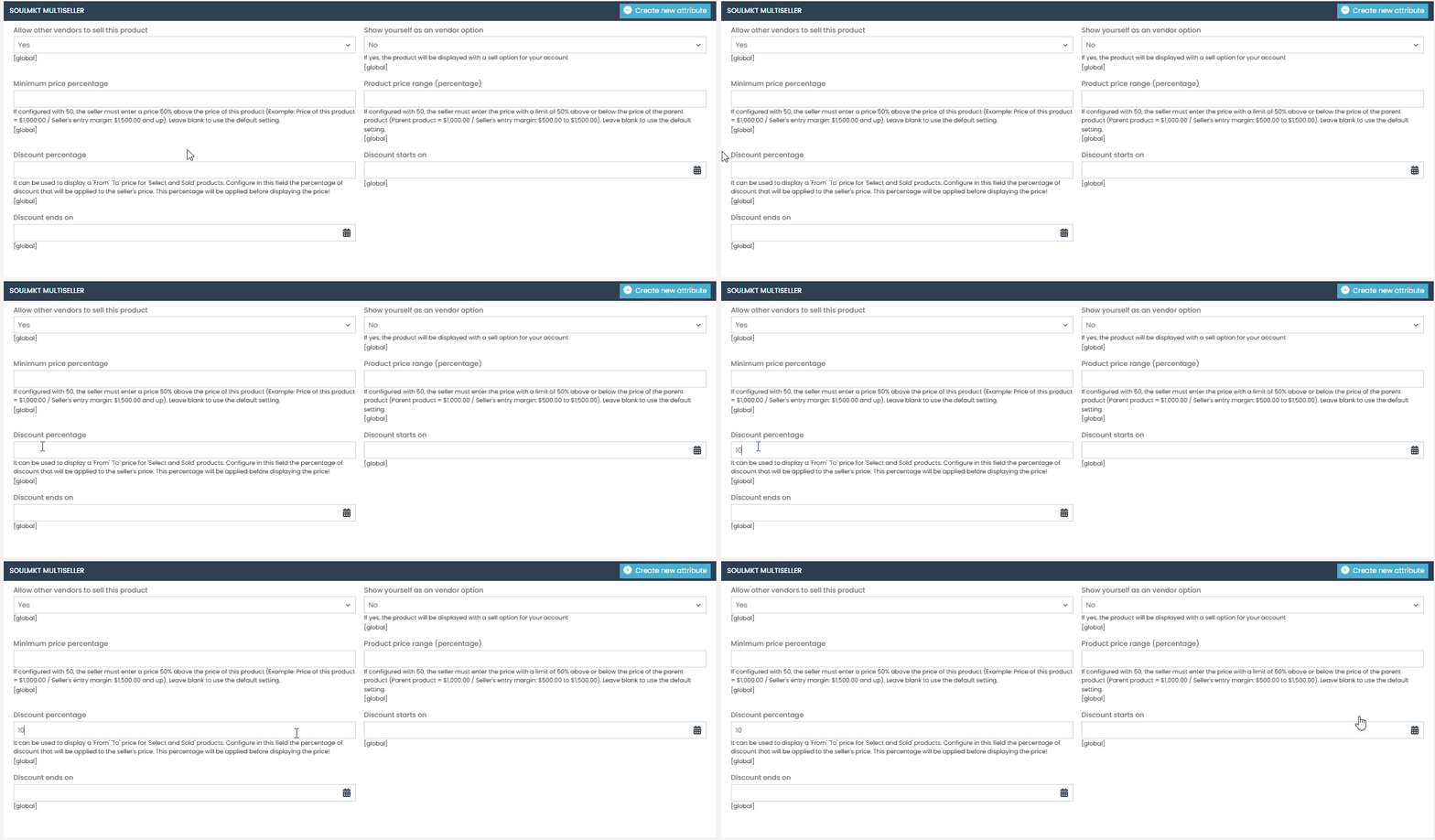
After accessing the “Multiseller” tab, navigate to the “Discount Percentage” section. Then, enter the whole number value of the discount you want to apply.
(In the example of this documentation, we applied a 10% discount.)
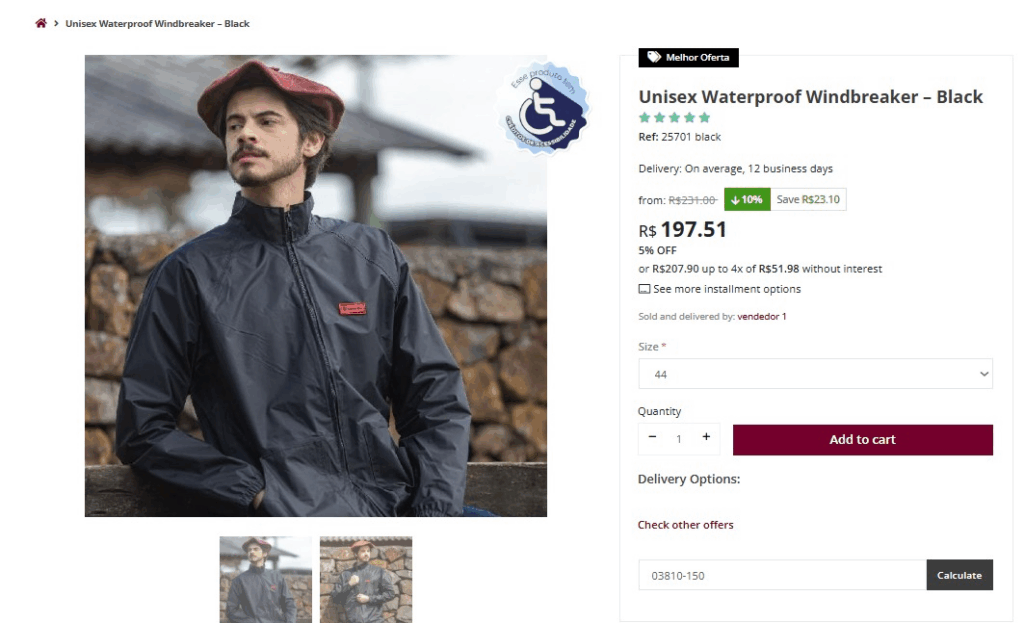
Now, access your store’s view and check if the discount is being correctly applied to the product.
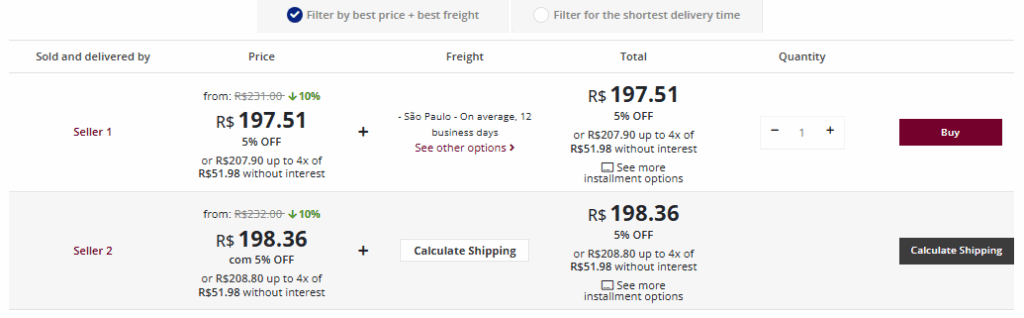
Don’t forget to check the “Sellers” tab to ensure the discount is being applied to all sellers.
Applying Discount per Store View #
If your Marketplace has multiple store views, such as a version in another language or with different currency values, and you want to apply the discount to only one of these views, follow the documentation below.
First, navigate through the side menu to the “Catalog” tab. When you select “Catalog”, a new submenu will appear. In this submenu, click on “Products”.
“Find the product you want. In this example, I am using the product ID.”
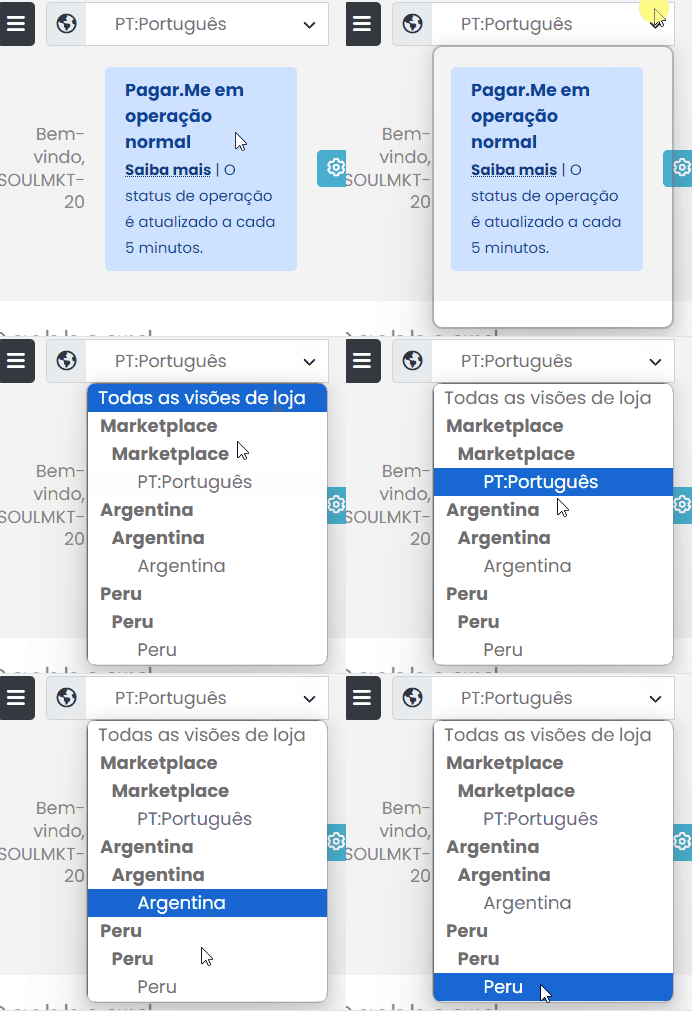
After the page loads, locate the “Default Value” field, which is positioned just above the “Product Information” section. Then, click on the field and select the desired store view.
After confirming that you are in the desired store view, navigate to the “Multiseller” tab. Click on this tab to open a new page.
After accessing the “Multiseller” tab, navigate to the “Discount Percentage” section. Then, enter the whole number value of the discount.(In the example of this documentation, we applied a 5% discount.)
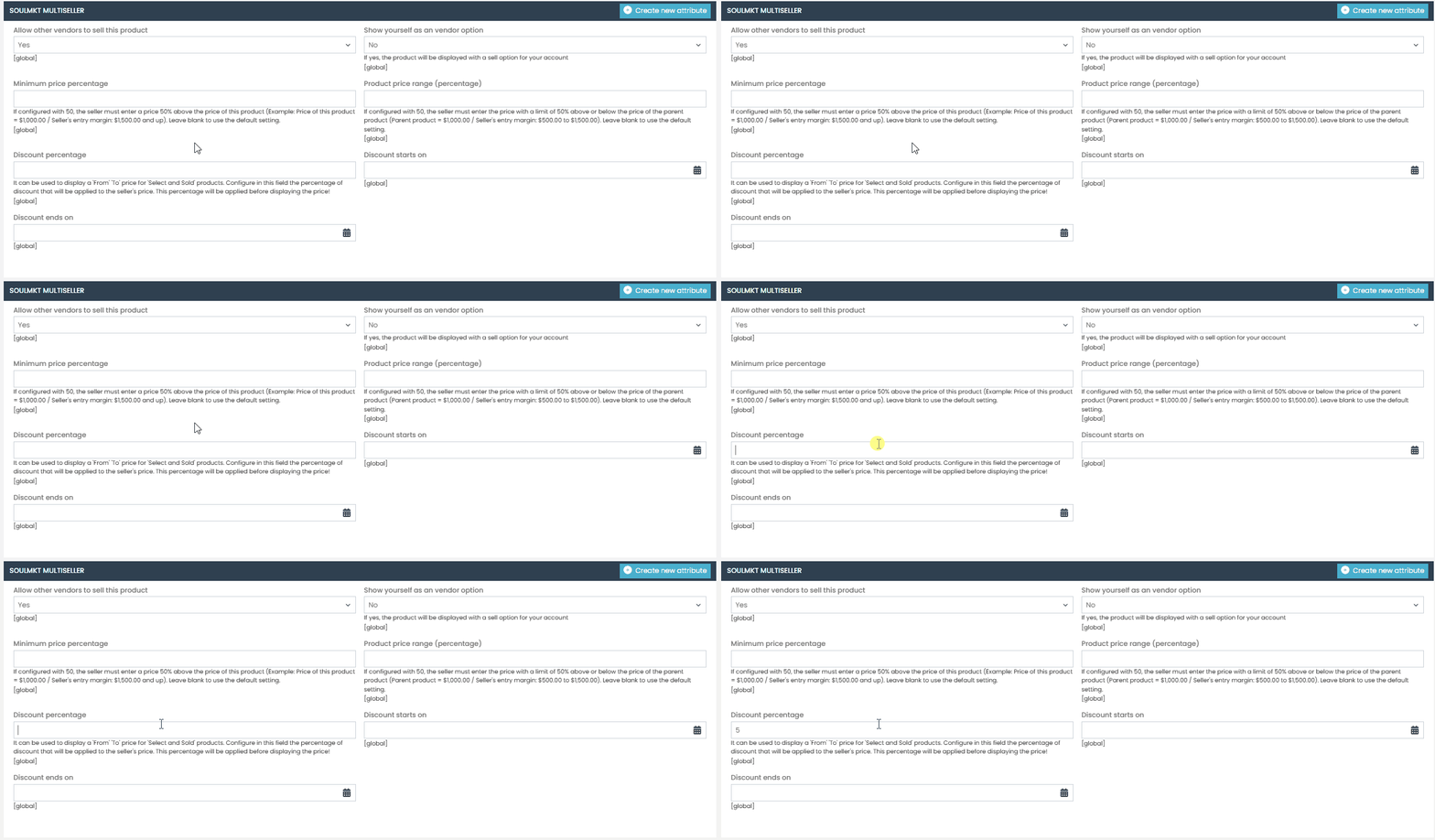
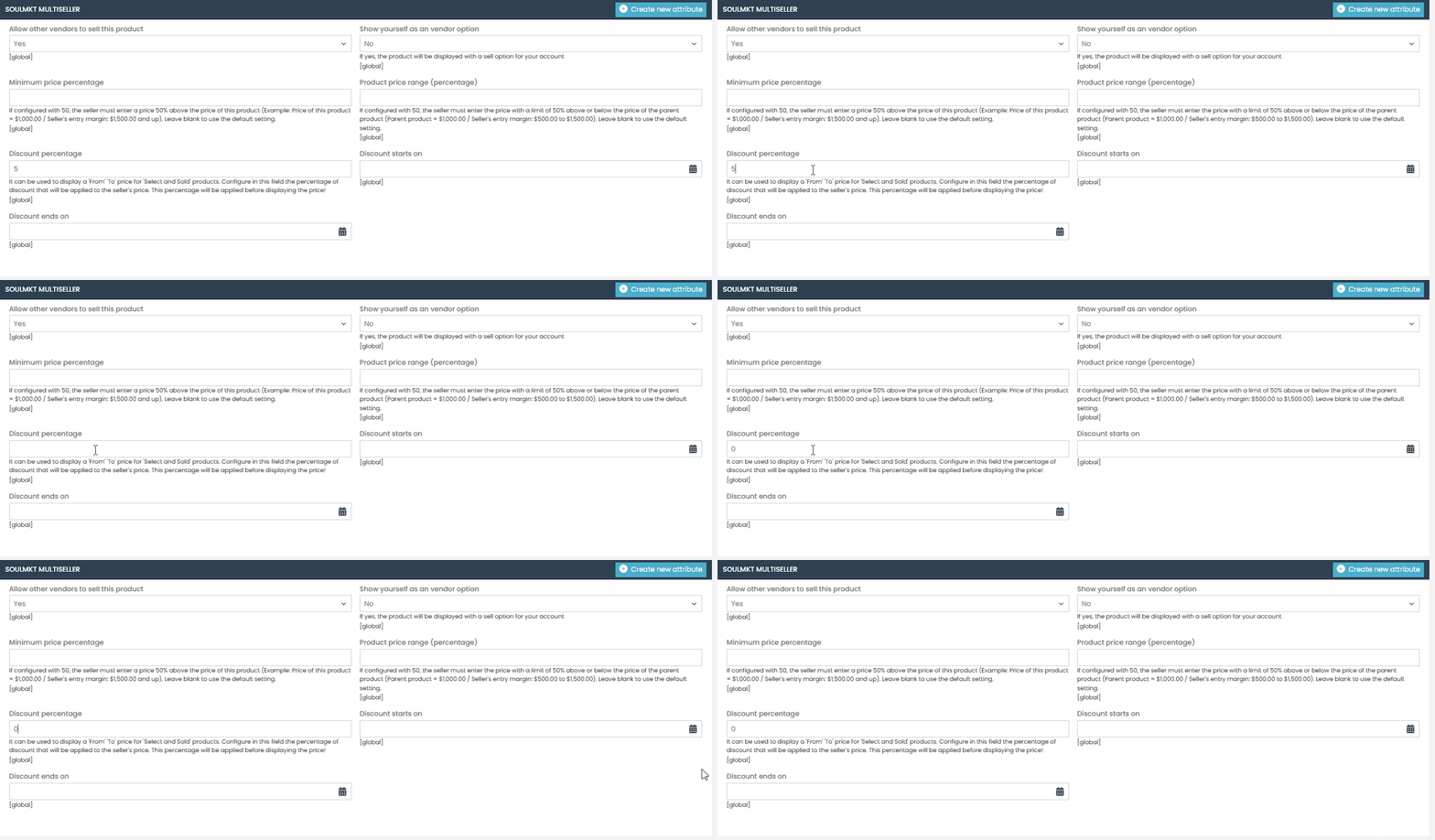
If you do not want to apply any discount, enter the value “0” and save the changes.
“Done! With this step-by-step guide, you will be able to apply a Original-to-Sale Price Discount to your products and all sellers. If you encounter any difficulties or have any questions, don’t hesitate to contact our support team. We are always available to help!”